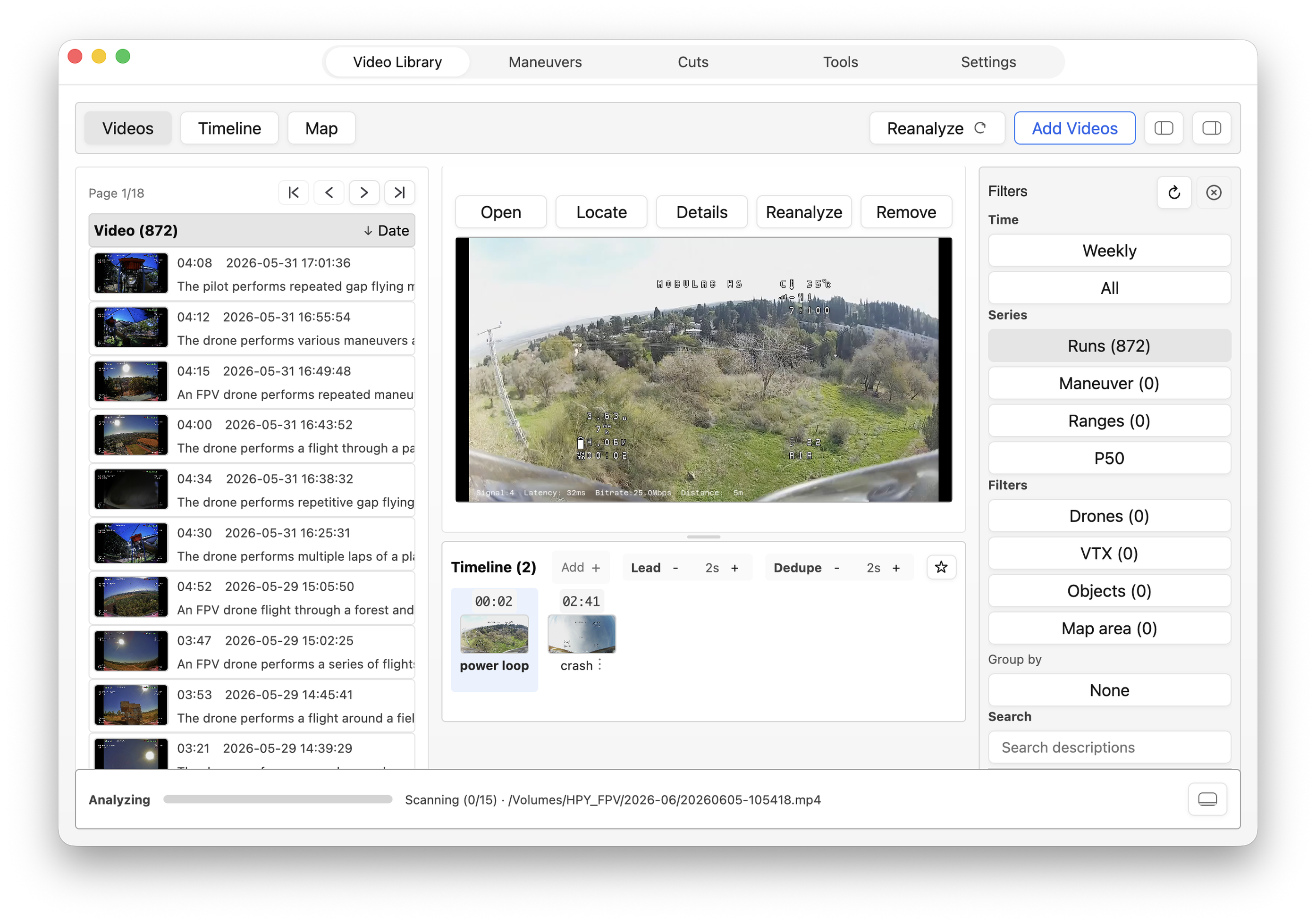
Flight library
Scan a flight folder
Add folders from the storage you already use. New runs become thumbnails, visual summaries, OSD clues, and timeline events without moving every original into one place.
Your FPV archive, back within reach
Point Flight Recall at TBs of footage on your Mac, attached storage, or home-network drives. It turns those folders into a searchable flight library while the original videos stay on your hard drives.
Find flights by maneuver, map location, date and time, or identified objects.
From the archive to 02:08
Filter by maneuver, jump straight to the move, then compare attempts with AI Coach for one clear focus on the next packs.
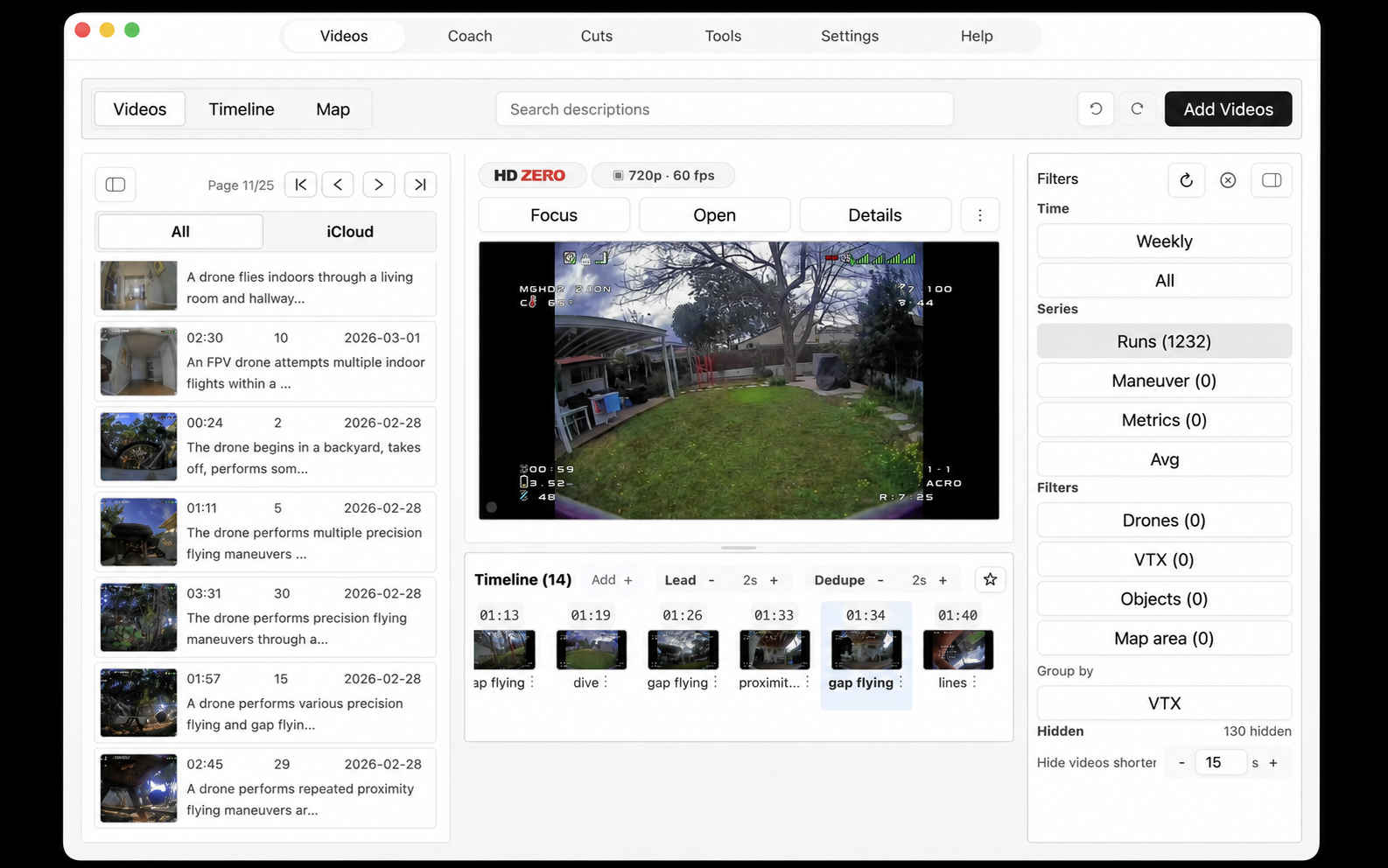
Flight library
Flight Recall turns folders across your storage into a browsable flight log with thumbnails, dates, OSD clues, and event counts.
What it remembers for you
Scan folders from your Mac, attached disks, and mounted home-network drives, then return by maneuver, spot, quad, VTX, date, or visual timeline event.
AI starts the catalog, then your labels and corrections make it more accurate and more yours.
Flight library
Add folders from the storage you already use. New runs become thumbnails, visual summaries, OSD clues, and timeline events without moving every original into one place.
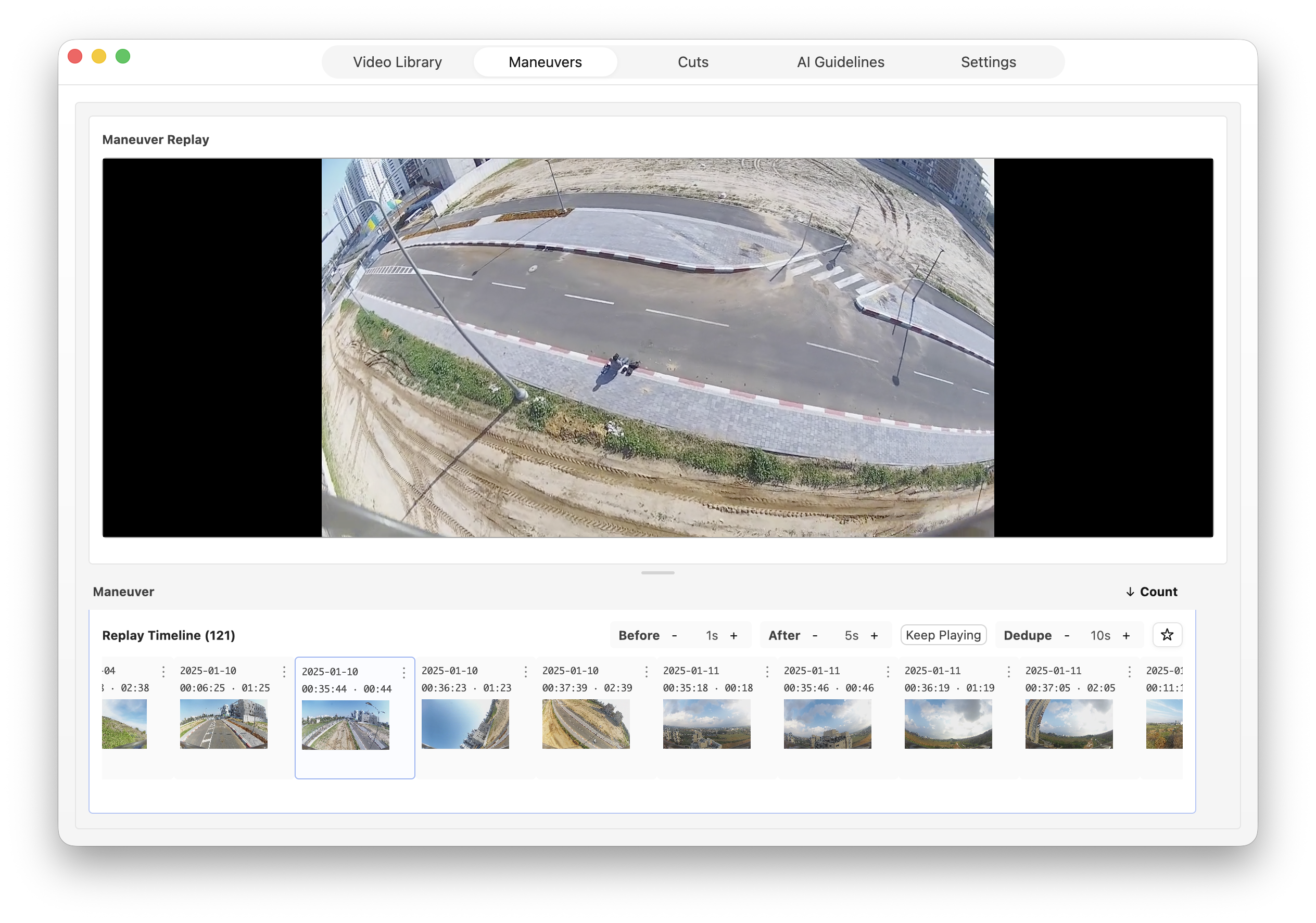
Maneuvers
Put matching attempts in one replay line, add a little lead-in or follow-through, and study how the move changes from flight to flight.
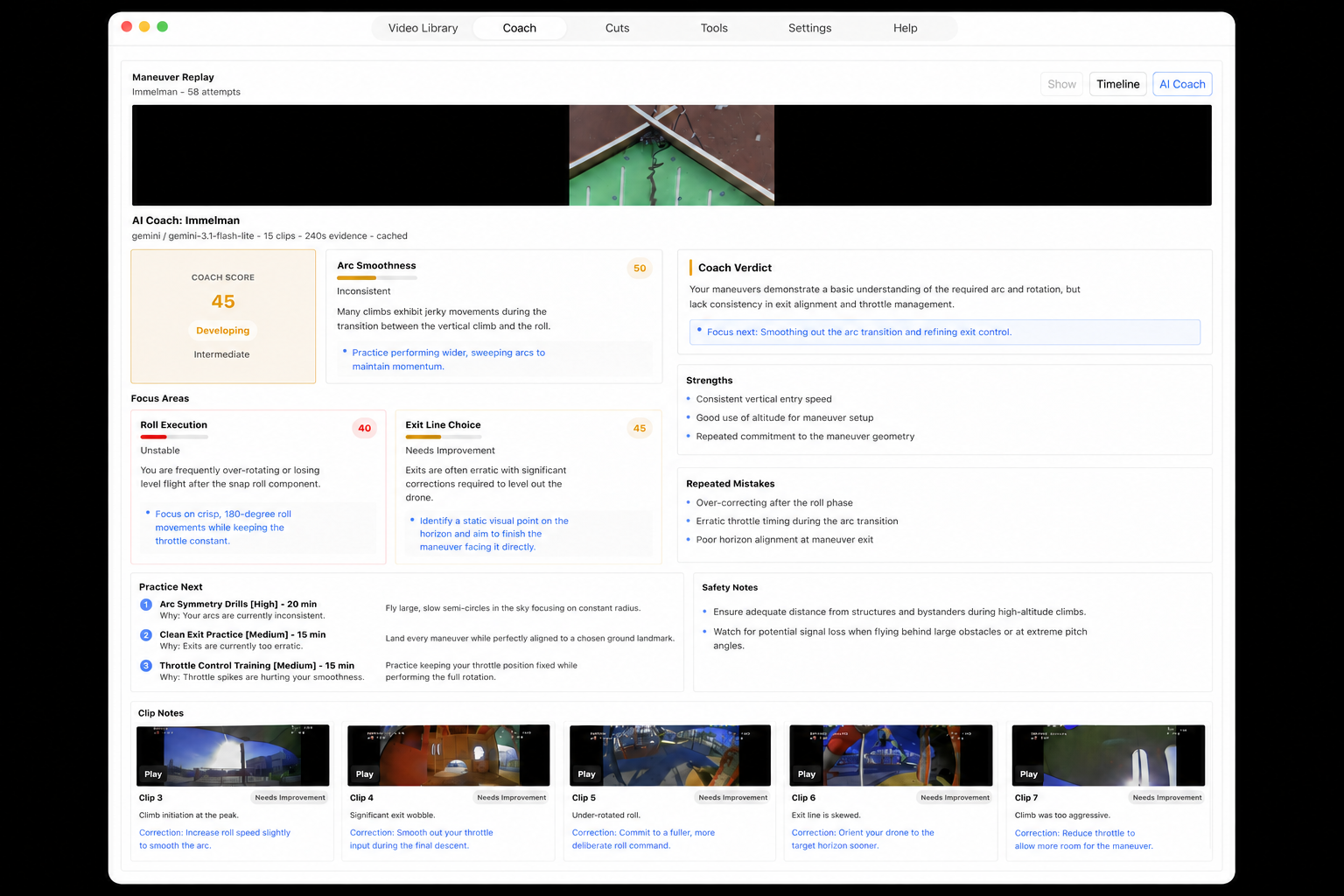
AI Coach
Choose a set of attempts and get clip-by-clip notes, repeated mistakes, strengths, and a short practice list for the next packs.
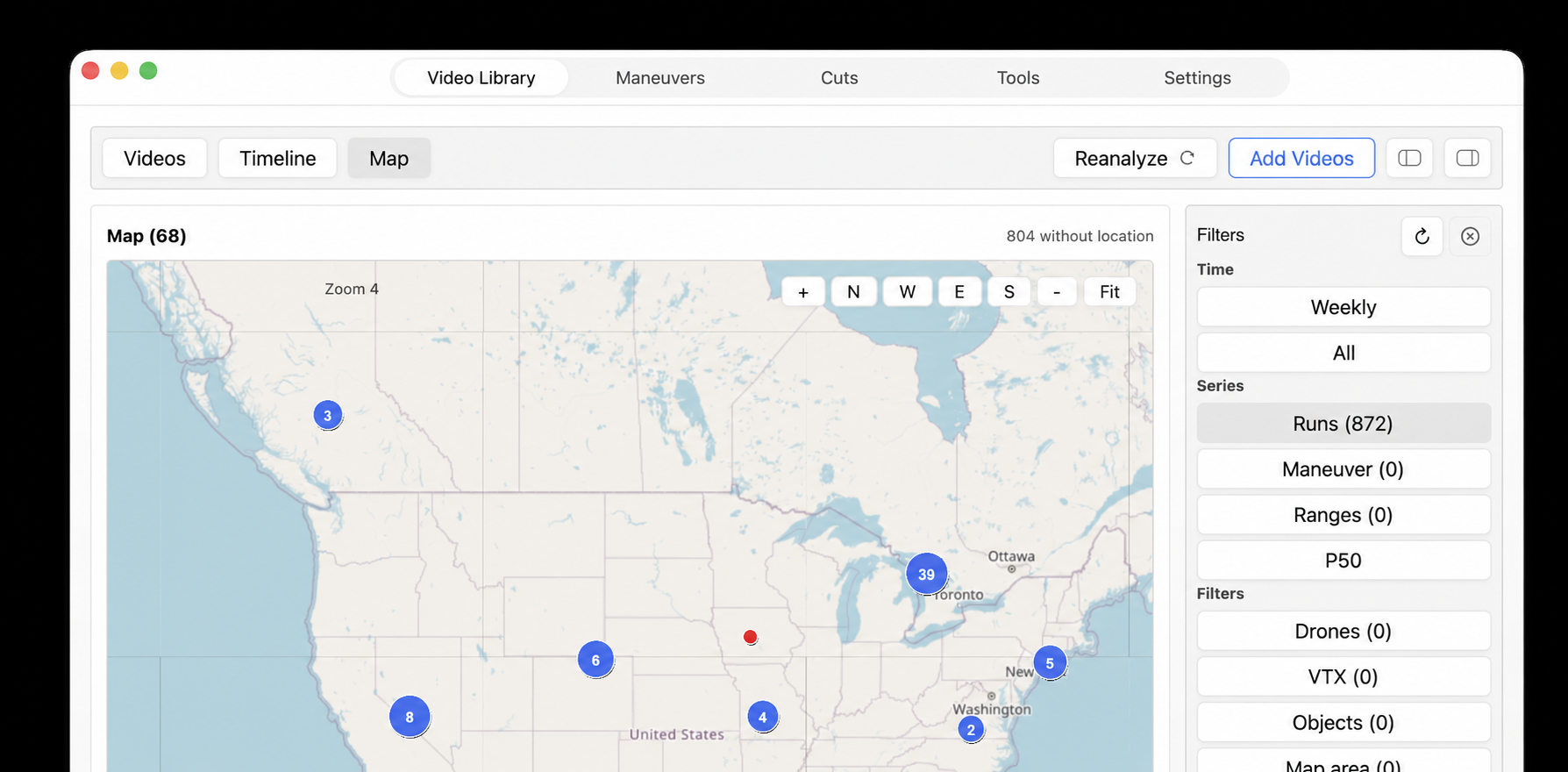
Flight places
Pin a flight spot, group nearby videos around it, and return to the places behind old runs without digging through folders.
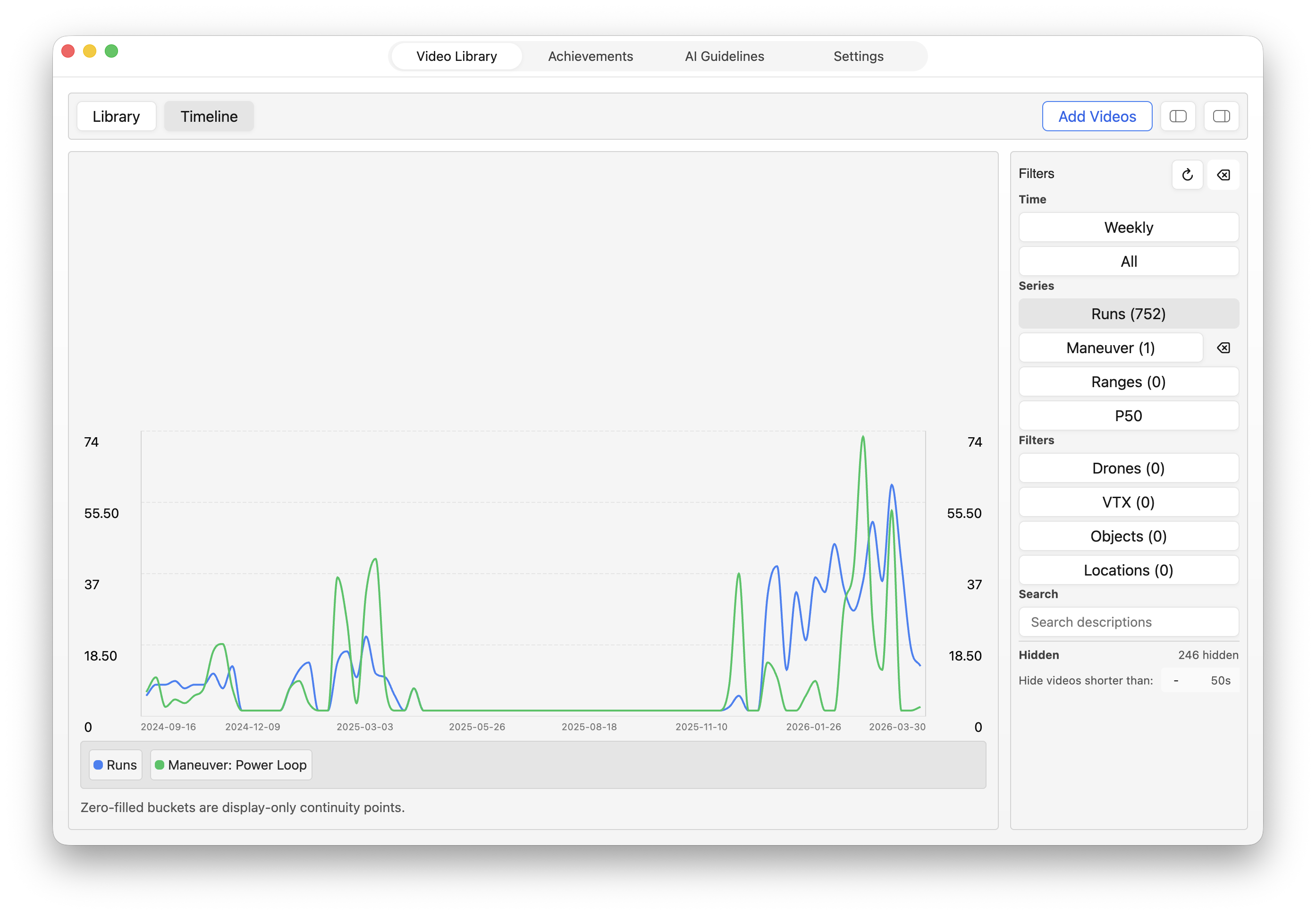
Timeline
Filter by maneuver, quad, VTX, or place, then see how events and flight metrics change across weeks of flying.
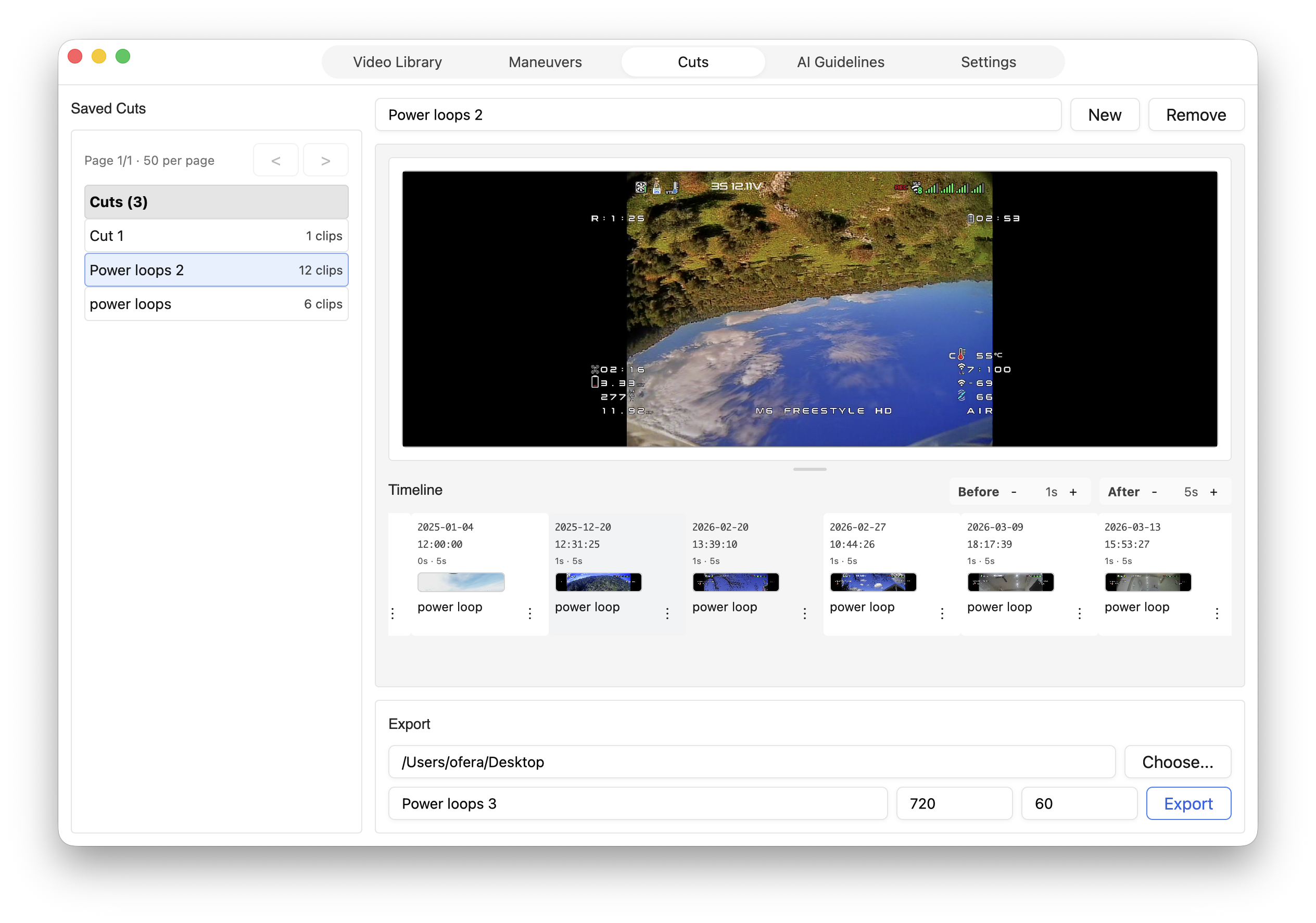
Cuts
Collect timeline events, reorder the clips, replay the draft, and export an MP4 made from the moments worth keeping.
Built for your Mac and your footage
Flight Recall keeps the organized library close to the folders you already have, whether they live on your Mac, an attached disk, or a mounted drive at home.
Written in Rust and built on native Mac infrastructure, Flight Recall skips Electron and heavy web wrappers so browsing flights stays light on memory and CPU.
Flight Recall keeps its library data and your edits on the Mac. Original videos stay on the storage you selected; only footage you explicitly choose follows an analysis route or gets copied for iPhone playback.
Bring-your-own-key analysis goes directly to your provider. When Hosted AI opens, it will process only the selected video transiently and remove its media copy after the job finishes.
Choose how analysis runs
Direct-provider analysis is ready in the Mac app. The managed route is still being prepared; both are designed to return the same kind of visual timeline to your library.
Flight Recall for iPhone
Coming soonBrowse the wider flight library your Mac has organized, but copy only the videos you choose to iCloud for playback. Recent packs or one run you want to study can come with you while the rest stays on its drive.
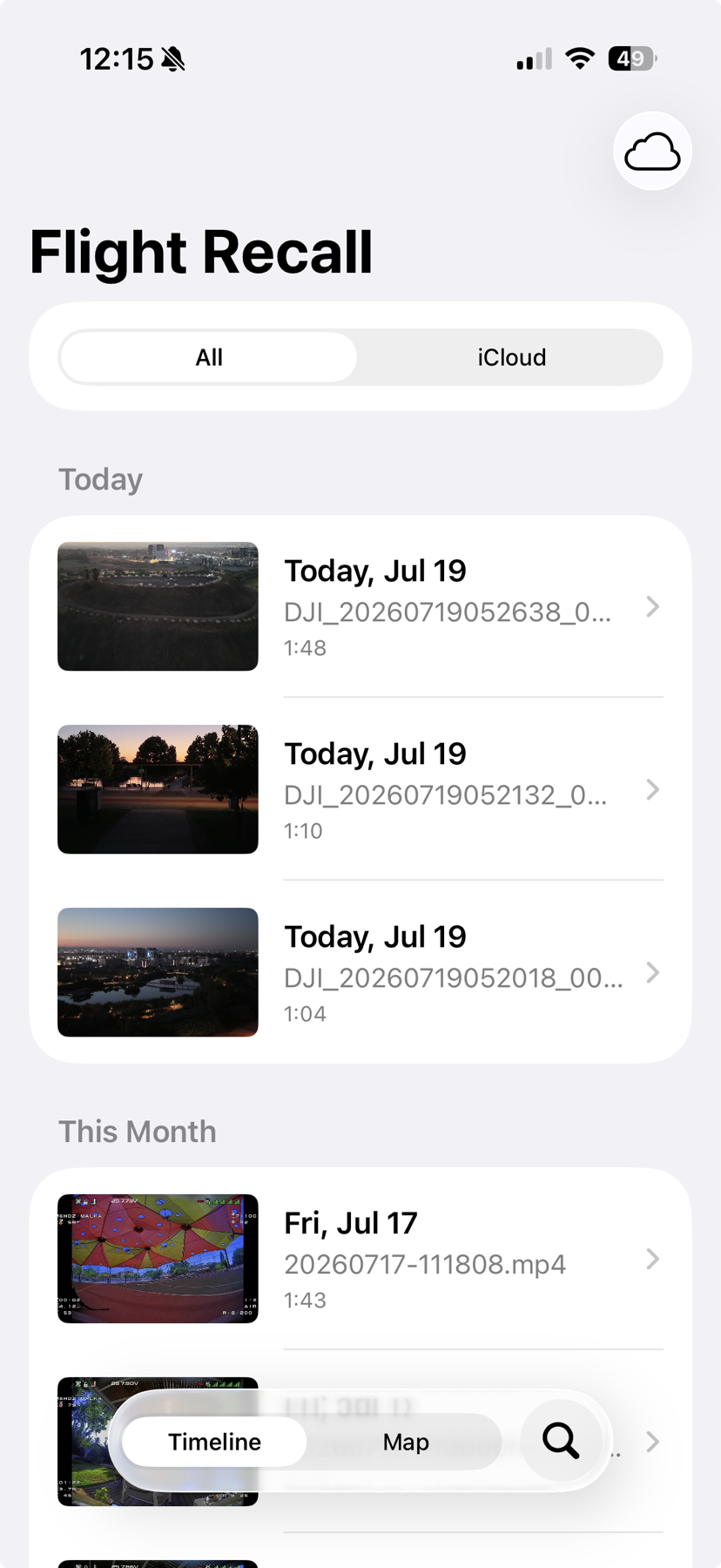
Current release
iPhone timelines now show canonical maneuver names such as power loop, immelmann, and gap flying.